Projects and clients
Each project carries its client, billing model, budgets and health. Clients are Books customers when Books is on.
- Fixed fee with milestones, time and material, retainer and internal projects
- Budgets in hours, cost and revenue with burn thresholds
- Daily health from budget, schedule and margin, with the reason shown
- PO reference, SAC code, GST rate and payment terms per project
- Start a project from another project’s tasks and milestones
Tasks and planning
Plan and track work in the view that suits the team.
- Tasks and subtasks with assignee, status, priority and estimates
- List, kanban board and Gantt views
- Four dependency types with lag days
- Milestones with billing amounts
- My tasks across projects, and due-date notifications
Time and expenses
People owns the timesheet; Projects reads approved lines and prices them.
- Log time from Projects or the People timesheet on web and mobile
- Manager approval in People stays the approval of record
- Billable rules by project, task and team member
- Write-offs and write-downs with a reason before invoicing
- Approved expense claim lines tagged to a project, with optional markup
Rates, costs and resources
Bill rates from rate cards and cost rates from People, with salaries kept private.
- Rate cards by person, project role or grade, effective-dated
- Hourly cost from CTC plus an overhead loading, shown only to admins and finance
- Allocations against weekly capacity, net of leave and holidays
- Resource planner, utilisation and bench reports
Billing and revenue
Invoice drafts are built from what is ready to bill and approved by finance.
- Drafts from completed milestones, approved hours, retainer fees and expenses
- Not-to-exceed caps and retainer overage
- Approved drafts create and post Books invoices with the project dimension
- Revenue by percentage of completion for fixed-fee projects
- WIP and unbilled report with ageing
Financials and client updates
Project profit and loss that agrees with Books, and status reports clients can read without signing in.
- Project profit and loss with labour cost, expenses and margin against budget
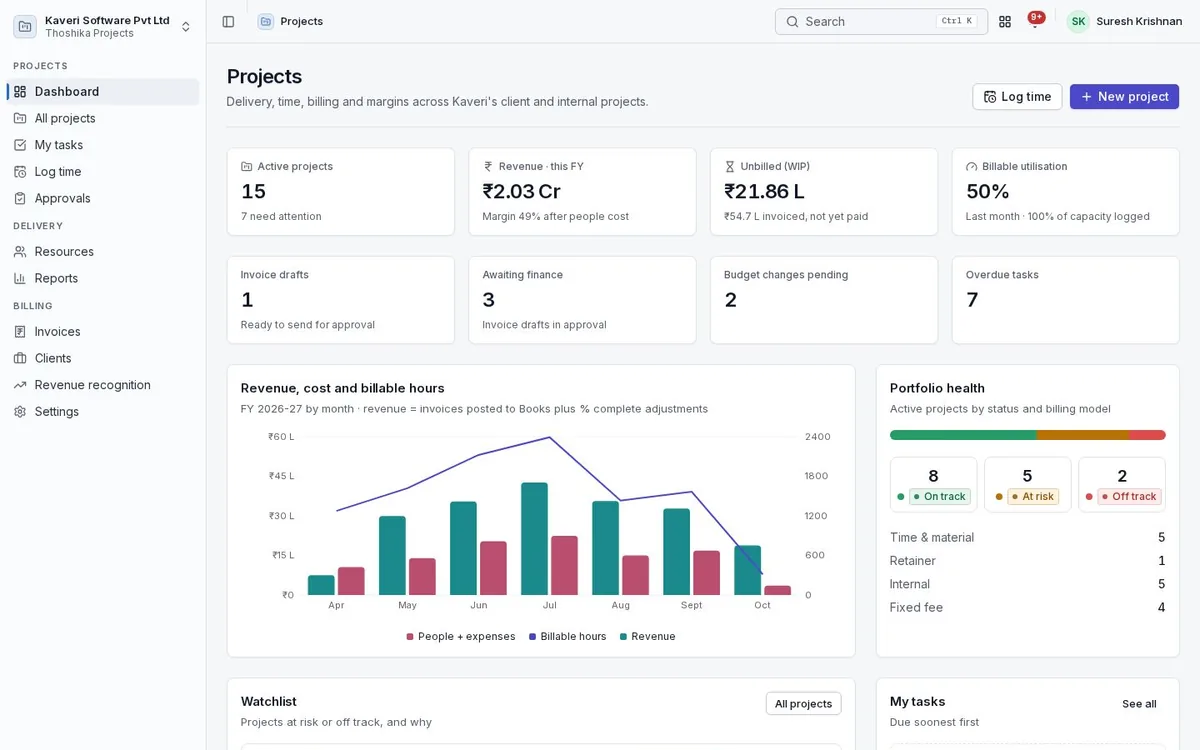
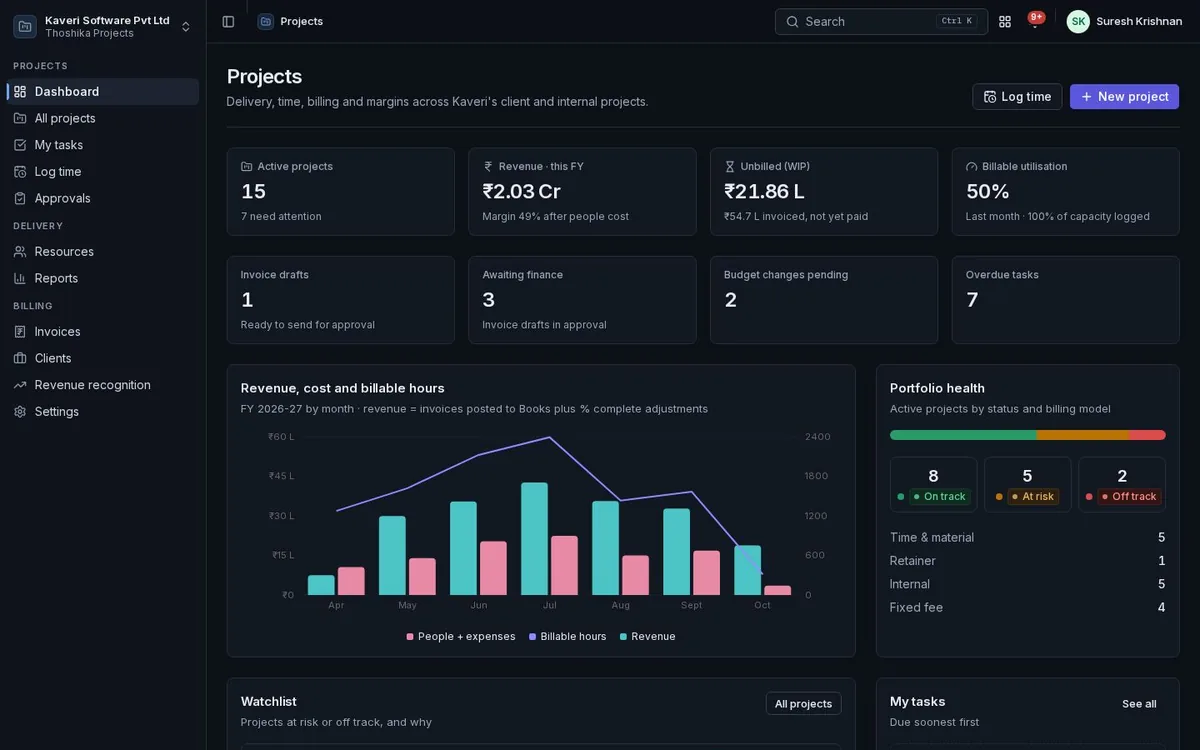
- Portfolio view with burn, health, margin and receivables
- Budget change requests through approval
- Status reports with a read-only client link and PDF