People and workDocuments and e-sign

Generate documents from templates, send them for signature with OTP and keep a sealed, verifiable record.

Documents and e-sign builds documents from templates with merge fields from other Thoshika apps, sends them to signers in a set order, and seals the completed PDF with an audit certificate. Offer letters, quotes, contracts and board papers can be sent from the app they belong to. Completed documents are filed in folders with retention rules.

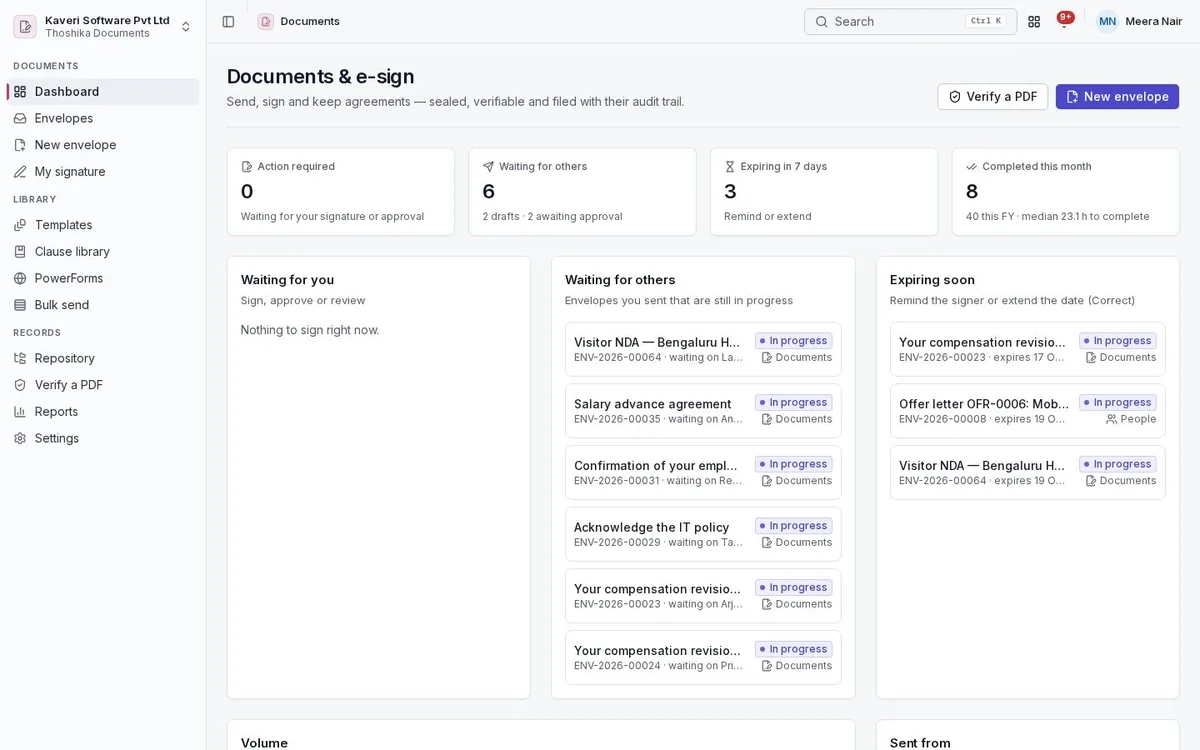
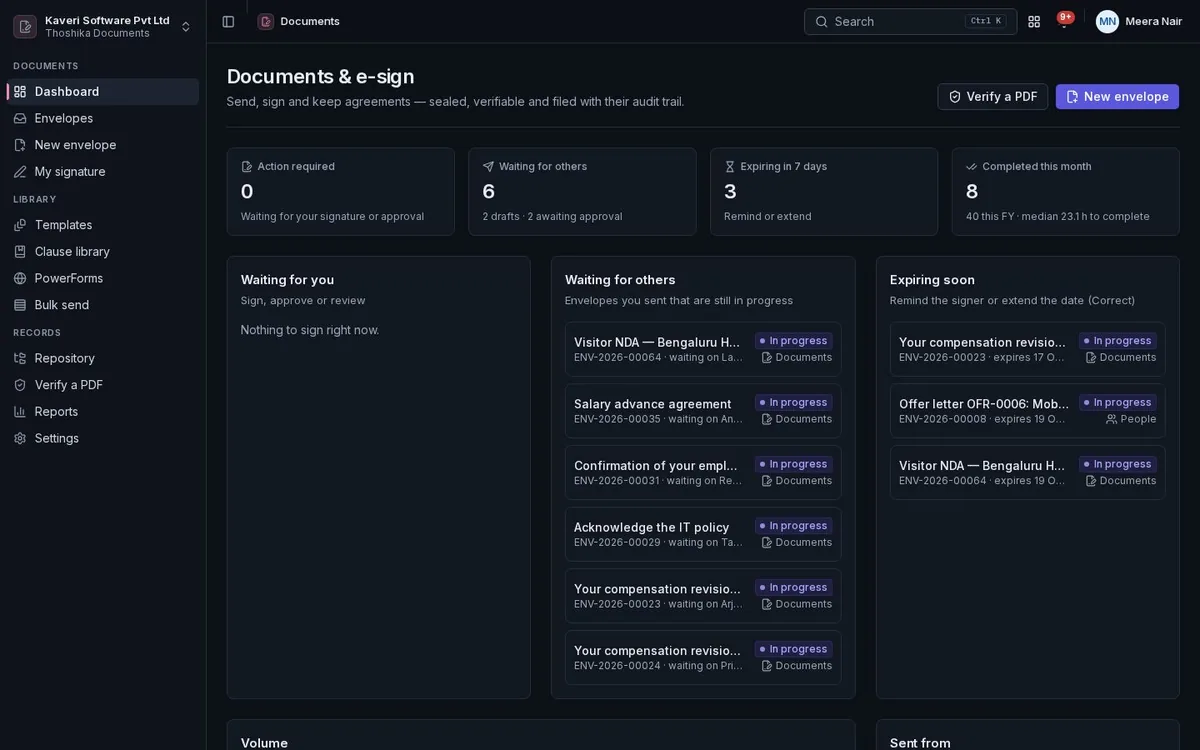
Documents and e-sign dashboard: envelopes waiting for others, documents expiring soon and recently completed envelopes.Documents and e-sign dashboard: envelopes waiting for others, documents expiring soon and recently completed envelopes.

Key capabilities

  • Templates with merge fields from every app
  • Sequential and parallel signing order
  • Email OTP and access code authentication
  • Sealed PDF with an audit certificate
  • Bulk send and public signing links
  • Folders with retention and legal hold
What it does

Documents and e-sign in detail

Templates and clauses

Write templates in the editor or upload PDF and Word files, and reuse approved clauses.

  • Merge fields for company, employee, offer, customer, quote, vendor and meeting data
  • Signature anchors in the text place fields automatically
  • Shared and locked templates with recipient roles
  • Clause library and 25 India starter templates
  • Word files converted to editable templates

Envelopes and routing

An envelope holds one or more documents and the people who must act on them.

  • Signers, approvers, viewers, CC, in-person signers and witnesses
  • Routing order: the same number signs in parallel, the next waits
  • Signing groups where any one member signs
  • Document visibility per recipient
  • Scheduled sending, reminders and expiry
  • Correct, void, delegate, reassign and resend as a copy

Fields and signing

Recipients sign in the browser or the mobile app after verifying who they are.

  • Signature, initials, date, text, checkbox, dropdown and attachment fields
  • Conditional fields and calculated fields
  • Validation for email, mobile, PAN, GSTIN, IFSC and PIN code
  • Drawn, typed or uploaded signatures, saved for next time
  • Email OTP or access code; consent to electronic records logged
  • Company seal as a stamp field

Completion and verification

Completed envelopes become a single sealed PDF that shows any later change.

  • Values flattened into the pages
  • Certificate of completion with times, IP addresses and authentication
  • Digital seal with the company’s signing key
  • Hash-chained audit trail
  • Public verify page that checks an uploaded PDF

Bulk send and public signing links

Send the same template to many people, or publish a link people sign themselves.

  • Bulk send from a CSV with row validation and optional approval
  • Public signing links with email OTP, use limits and an active window
  • Approval before sending for chosen cases, such as board papers

Repository and reports

Completed documents are filed and kept as long as the folder’s rule says.

  • Folders with allowed roles and retention periods
  • Purge of content after retention, keeping the record and hashes
  • Legal hold on an envelope
  • Signed copies returned to the source app
  • Reports on turnaround, completion, declines and who is holding an envelope
Built for India

Indian rules, built in

Documents explains where an OTP signature fits under Indian law and supports Indian document practice.

How Thoshika handles Indian compliance

  • OTP signatures recorded as electronic records with an audit certificate; the legal note is shown to signers
  • Warnings for document types the IT Act excludes, such as wills and powers of attorney
  • Stamp duty reference by state and article, with the purchased e-stamp certificate attached
  • Aadhaar collected only as the last four digits
  • IST timestamps and amounts in words in lakhs and crores
Who uses it

Roles in Documents and e-sign

Every person signs in once. Roles decide what they see, and can be limited to a location, branch or other scope where the app supports it.

Employee

Signs what they are sent and, where allowed, sends their own documents.

Sender

Sends envelopes, uses and creates templates, runs bulk sends and public links.

Documents admin

Manages settings, branding, signing keys, folders, retention and all envelopes.

External signer

Signs through a link, or through a portal that shows only their envelopes.

Works with

Connected to the rest of Thoshika

Apps share one directory, one sign-in and the same records, so nothing is keyed in twice.

On the roadmap

Planned work, not available today. Timing is not committed.

  • Aadhaar eSign through a licensed provider
  • DSC signing with a USB token
  • Signing pages in Hindi and other Indian languages
  • Outbound webhooks

See Documents and e-sign with your own processes

Documents and e-sign is available on its own or as part of Thoshika One, with every app for every employee.